
Your phone is essentially your digital life. Banking apps, private messages, and sensitive personal data are all contained within it. When your device starts showing signs of being compromised—think sudden overheating, lag, and unexplained battery drain—the common response is to run a basic, automated security scan.
However, here is a harsh cybersecurity reality check: Standard built-in scanners like Google Play Protect are often useless against modern, sophisticated spyware. Attackers constantly modify and obfuscate their code to bypass default security layers entirely.
If your device is actively exhibiting suspicious behavior, benchmark your symptoms first using our core diagnostics checklist: Is My Phone Hacked?. If you want to perform a real, deep audit to clean your device for free without relying on blind trust, follow this step-by-step technical guide.
Step 1: Force an Advanced Signature Scan
Built-in protection runs basic signature matching in the background, but commercial stalkerware easily evades it by hiding inside files disguised as legitimate system processes. To get a real, independent second opinion, you need an external threat database.
For a fast, deep file parse, we utilize the free manual scanner inside Avira Security. We choose this tool because its lightweight core engine directly parses through hidden root-level directories and system storage partitions without injecting bloated background configurations or annoying pop-up ads into your daily workflow.
How to execute:
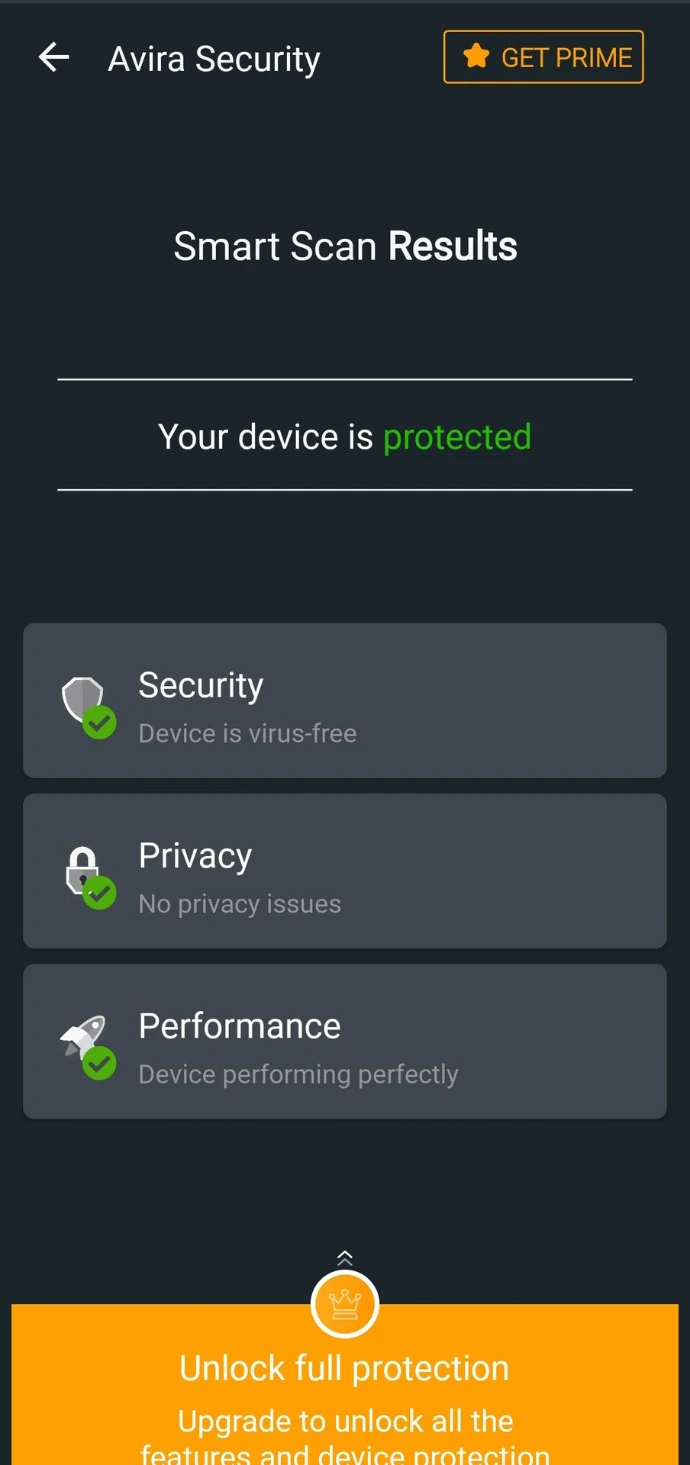
Open the Avira Security app and initialize a full Smart Scan from the main dashboard.
Let the cloud-backed engine map out hidden scripts, malicious binaries, and modified system components across your partition layers.
Once the scan concludes, verify that the interface displays the green "Your device is protected" safety badge.
If the engine flags any "Adware" or "Riskware" in the list below, do not ignore it; these are often cloaked stalkerware variants running under hidden privileges.
Download Avira Security: Android | iOS
Step 2: Spot and Delete Hidden "Ghost" Apps Manually
The most dangerous mobile threats don't show up with an obvious malware alert. Instead, they install themselves as invisible system utilities—like a fake calculator, a modified battery saver, or a corrupted file manager. They hide in plain sight inside your app manager.
The Manual Forensic Hunt:
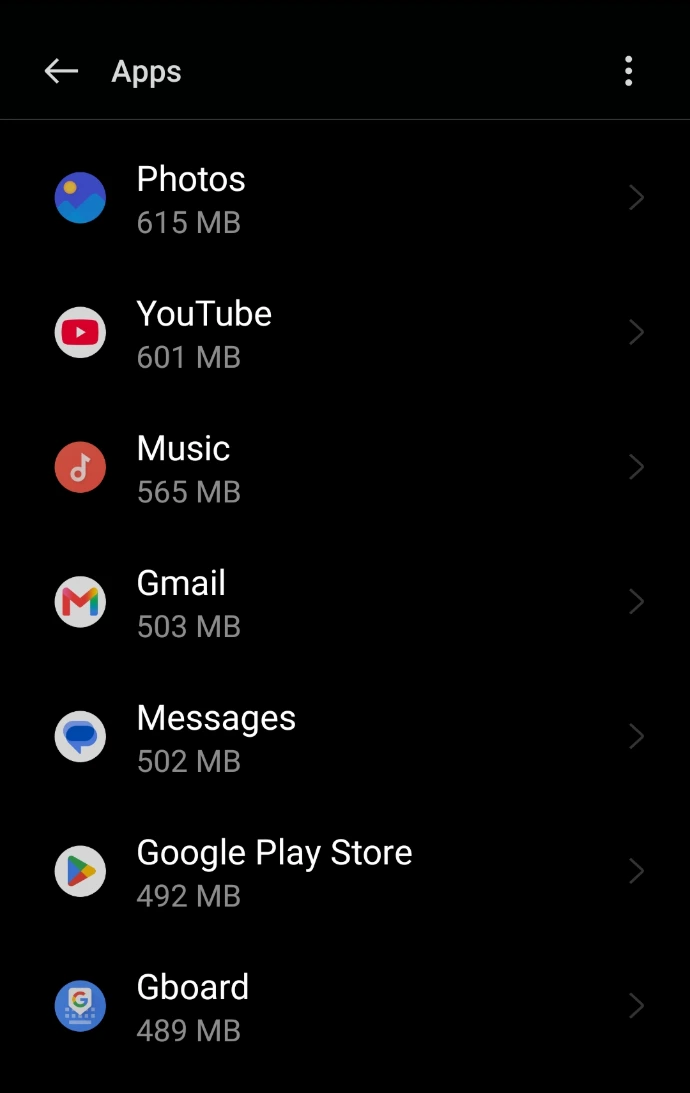
Open your device Settings > Apps (or App Manager).
Scroll through your entire installed application list slowly. You are hunting for three specific anomalies:
Apps with a completely blank name (no text underneath the icon).
Apps with a transparent or missing icon.
Apps that have been granted access to Accessibility Services or Modify System Settings without your explicit consent.
If you isolate any app fitting these descriptions, force stop it and hit Uninstall immediately.
To cross-reference your manual audit with a privacy database, you can use the storage analyzer inside your default settings or a dedicated security suite like Avira Security to visually map out which background apps hold dangerously elevated system access.
Step 3: Monitor Idle Network Traffic and Proxies
A malicious script can hide its file structure from a software scanner, but it cannot hide its network footprint. Spyware must exfiltrate your private data (photos, keystrokes, contact lists) to a remote, attacker-controlled server. This process creates background data leaks, usually occurring when your phone is idle or charging overnight.
The Manual Network Check:
Navigate to Settings > Connections > Data Usage > Mobile/Wi-Fi Data Usage.
Switch the filter to check "Background Data" consumption.
Audit any unknown application or generic system utility that has uploaded unusual amounts of background traffic (e.g., a basic utility app uploading hundreds of megabytes while the screen was off).
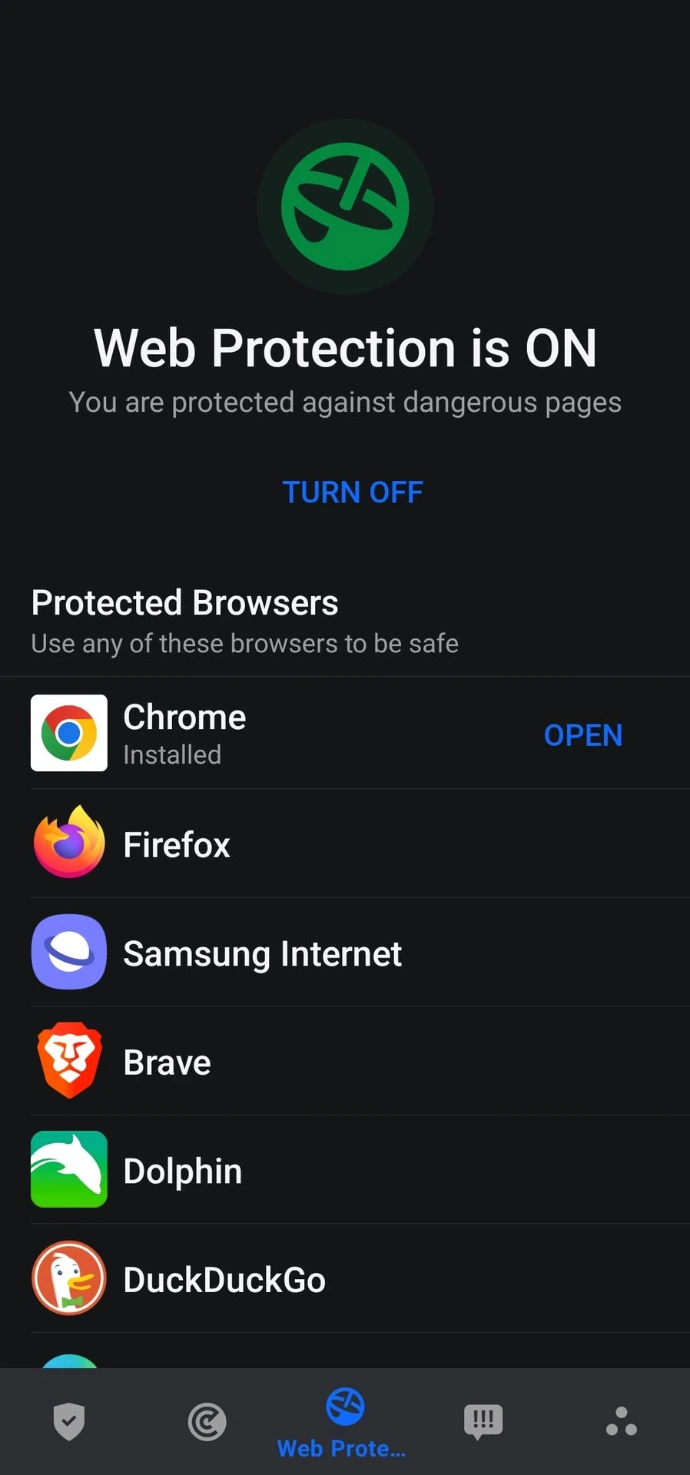
Cloud Traffic Verification: To ensure your DNS queries and outgoing data packets aren't being silently intercepted or routed through a malicious proxy server, execute a rapid cloud-based environment check using Bitdefender's cloud integrity network. Activating its core layer ensures that any attempt by hidden stalkerware to establish an outbound telemetry tunnel is blocked instantly at the network layer.
Download Bitdefender: Google Play | App Store
The Cyberly Post-Audit Defense Protocol
Software tools only fix the symptoms, not the root cause. To permanently lock down your mobile device post-clean, integrate these essential security habits into your daily workflow:
Eliminate Third-Party Cracked Ecosystems: Downloading modded.apk files is the number one vector for spyware injection. If you are a power user trying to test risky tools or unverified software safely, always isolate your staging environment inside an isolated Android sandbox layer (like Secure Folder or isolated profile containers) rather than running untrusted scripts on your primary operating system layer.
Audit Device Access Points: Periodically review which apps hold active device administrator rights by going to Settings > Security > Device Admin Apps.
Frequently Asked Questions (FAQ)
Q: Can spy apps be hidden on Android without root?
A: Yes, modern stalkerware can exploit accessibility permissions to log keystrokes and track location without needing full root access.
Q: Does a factory reset remove all hidden spy apps?
A: In 99% of cases, yes. A full factory reset wipes the entire user partition where non-system spy apps reside, completely severing the attacker's access.